
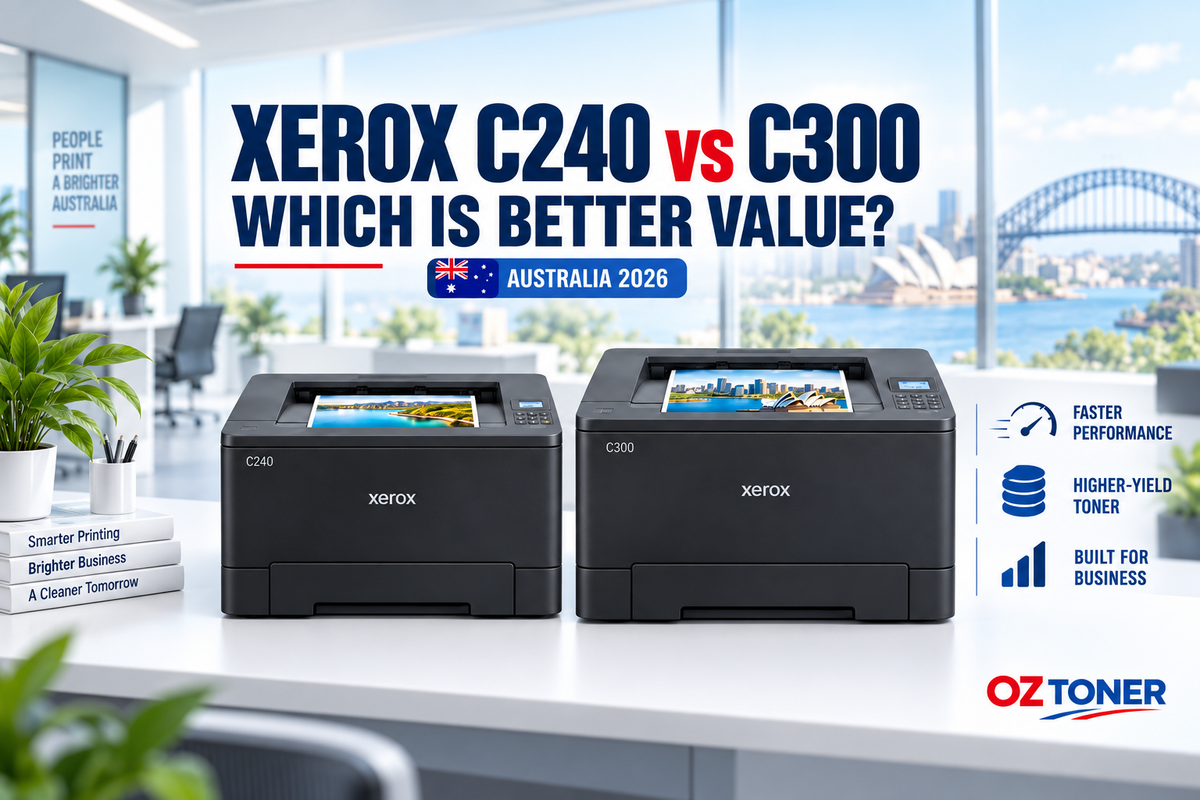
If you are comparing the Xerox C240 at Officeworks with the Xerox C300 available from OZ Toner, the two printers can look remarkably similar. Both are compact A4 single-function colour laser printers with automatic two-sided printing, Wi-Fi, Gigabit Ethernet, USB connectivity and a 2.8-inch colour touchscreen.
The important differences appear when you look beyond the basic feature list. The Xerox C300 is faster, designed for a significantly higher monthly print volume, supplied with higher-capacity starter toner and able to accept extra paper trays and Extra High Yield toner cartridges. For a growing business, those differences can make the C300 better value even though its purchase price is slightly higher.
Quick answer: Choose the Xerox C240 if your priority is the lowest upfront price and you print relatively lightly. Choose the Xerox C300 if you expect regular office use, multiple users, longer print runs or future business growth.

Xerox C240 vs C300: key differences at a glance
| Feature | Xerox C240 | Xerox C300 |
|---|---|---|
| Printer type | A4 single-function colour laser | A4 single-function colour laser |
| Current advertised price* | $399 at Officeworks | $451.38 at OZ Toner |
| A4 print speed | Up to 25ppm colour and black | Up to 30ppm colour and black |
| Automatic duplex speed | Up to 13 sides per minute | Up to 15 sides per minute |
| First page out | 10.5 sec black / 10.7 sec colour | 8.3 sec black / 8.6 sec colour |
| Recommended monthly volume | 600–2,500 pages | 750–5,000 pages |
| Maximum monthly duty cycle | Up to 50,000 pages | Up to 75,000 pages |
| Standard / maximum input | 250 / 251 sheets | 250 / 751 sheets |
| Maximum replacement toner yield | 3,000 black / 2,500 CMY | 6,200 black / 6,400 CMY |
| Starter toner | 750 black / 500 CMY | 1,300 black / 1,200 CMY |
*Prices checked on 17 September 2026 and may change. Compare the current selling price, stock position and delivery charge before ordering.
What do the Xerox C240 and C300 have in common?
These are both print-only machines. Neither model scans, copies or faxes, so businesses that need document scanning or an automatic document feeder should consider a Xerox multifunction model instead.
For printing, however, both models provide a strong core specification:
- Automatic A4 duplex printing
- Wi-Fi, Gigabit Ethernet and USB connectivity
- Apple AirPrint and mobile-printing support
- 2.8-inch colour touchscreen
- 1GB standard memory and a 1GHz processor
- Print resolution of 2400 × 600dpi with 4800 Colour Quality
- Support for paper, envelopes, labels, card stock and selected glossy media
- One-year Advanced Exchange warranty
The external dimensions are also effectively identical. The choice is therefore not about finding room for a larger printer; it is about how much performance and expansion capacity your workplace needs.

Why is the Xerox C300 worth considering?
1. It is 20% faster for everyday A4 printing
The C240 prints at up to 25 pages per minute, while the C300 reaches 30 pages per minute in both colour and black. That is a 20% improvement in rated speed. Five pages per minute may not matter for an occasional one-page document, but it becomes noticeable when several employees share the printer or when the business regularly produces reports, quotations, training material and customer documents.
The C300 also produces its first page faster: approximately 8.3 seconds for black and 8.6 seconds for colour, compared with 10.5 and 10.7 seconds respectively on the C240. This makes the C300 feel more responsive throughout the working day, not only during large jobs.
2. Its recommended monthly volume is twice as high
Xerox recommends the C240 for approximately 600 to 2,500 pages per month. The C300 is rated for approximately 750 to 5,000 pages per month. Its maximum monthly duty cycle also rises from 50,000 pages to 75,000 pages.
The maximum duty-cycle figure should not be treated as a normal monthly target. The more useful number is the recommended monthly range, because it reflects the workload for which the printer is designed to operate efficiently. A business consistently approaching or exceeding 2,500 pages per month is therefore better matched to the C300.
3. The C300 arrives with considerably more starter toner
The purchase-price difference does not tell the whole value story. The C240 is supplied with starter cartridges rated at up to 750 black pages and 500 pages for each colour. The C300 is supplied with cartridges rated at up to 1,300 black pages and 1,200 pages for each colour.
That means the C300 includes an additional 550 black pages and an additional 700 pages for each colour before replacement toner is required. For an office that prints colour regularly, the higher-capacity inbox toner can offset much of the initial price difference.
4. Extra High Yield toner gives the C300 a better growth path
The two machines can use the same standard-capacity Xerox 006R05051–006R05054 toner family. The C240 specification also supports High Yield cartridges rated up to 3,000 black pages and 2,500 pages per colour.
The C300 goes substantially further. It supports Extra High Yield cartridges rated up to approximately 6,200 black pages and 6,400 pages for each colour. Businesses with sustained print volumes can therefore replace cartridges less often and achieve a lower cartridge cost per rated page. See the Xerox 006R05091–006R05094 Extra High Yield CMYK toner set for the current price and availability.
Declared toner yields are based on ISO testing. Actual yield varies according to page coverage, document design, print settings and the mix of colour and black printing.
5. The C300 can grow from 251 to 751 sheets
The C240 has a standard 250-sheet tray plus a single-sheet feed, with no official paper-capacity expansion shown in its Australian specification. The C300 starts with the same practical desktop capacity but supports up to two additional 250-sheet trays, raising maximum input capacity to 751 sheets.
This is a meaningful advantage for accounting departments, medical and allied-health practices, real-estate offices, schools, reception areas and other workplaces that print throughout the day. An optional Xerox 097S05292 250-sheet paper tray can reduce interruptions or allow different paper types to remain loaded.
When should you choose the Xerox C240?
The C240 remains a sensible choice when:
- Your first priority is the lowest purchase price.
- You operate a home office or very small business with lighter print volumes.
- Your expected usage generally remains within Xerox’s recommended 600–2,500 pages per month.
- A 250-sheet tray is sufficient and you do not expect to add more paper capacity.
- You are comfortable using Standard or High Yield toner rather than Extra High Yield cartridges.
- You value convenient in-store collection from a large national retailer.
For a sole trader, consultant, student or home-office user who prints modest batches, the C240 provides most of the same connectivity and user-interface features as the C300 at a lower entry price.
When is the Xerox C300 the better buy?
The Xerox C300 colour laser printer is the stronger choice when:
- Your business prints approximately 750–5,000 pages per month.
- Several users share the printer over Wi-Fi or Ethernet.
- You regularly print invoices, reports, proposals, presentations or marketing documents.
- Faster first-page delivery and 30ppm output will reduce waiting time.
- You want higher-capacity inbox toner from the beginning.
- You want access to Extra High Yield toner for fewer cartridge changes.
- You may need one or two additional paper trays as the business grows.
These advantages are particularly relevant to accountants, bookkeepers, legal and property offices, medical practices, education and training providers, trades and construction businesses, professional service firms and growing administration teams.
Is the C300 worth the extra $52.38?
At the prices checked for this comparison, the C240 was advertised at $399 and the C300 at $451.38—a difference of only $52.38.
For that additional amount, the C300 provides 20% faster rated printing, quicker first-page output, twice the upper recommended monthly print volume, a higher duty cycle, substantially more starter toner, support for Extra High Yield cartridges and room for two additional paper trays.
For a light-use home office, those advantages may remain unused and the C240 may be the more economical purchase. For a business expecting regular or growing print demand, the C300 offers the stronger performance-to-price ratio and a much better upgrade path.
Our verdict
Best for lighter use and the lowest upfront cost: Xerox C240. It is compact, well connected and capable of producing professional colour documents, making it appropriate for sole traders and home offices with predictable low-to-moderate print volumes.
Best overall value for an active or growing business: Xerox C300. Its higher speed, doubled recommended monthly-volume ceiling, larger starter toner supply, Extra High Yield consumables and expandable paper capacity justify the relatively small price premium.
If you are still deciding, read our detailed Xerox C300 review or contact OZ Toner for help matching a printer to your monthly volume, paper requirements and toner budget.
Frequently asked questions (FAQ)
Are the Xerox C240 and C300 multifunction printers?
No. Both are single-function A4 colour laser printers. They print but do not scan, copy or fax.
Do both printers support automatic two-sided printing?
Yes. Automatic duplex printing is standard on both models. The C300 has the faster rated duplex speed.
Do the C240 and C300 use the same toner?
Both models are listed for the standard Xerox 006R05051 black, 006R05052 cyan, 006R05053 magenta and 006R05054 yellow cartridges. Both also have High Yield options, but the C300 additionally supports the higher-capacity 006R05091–006R05094 Extra High Yield range. Always check the exact cartridge number and compatible-device list before ordering.
Can I add another paper tray to the Xerox C240?
The current Australian C240 specification lists a maximum input capacity of 251 sheets and does not list the paper-tray expansion available to the C300. The C300 can reach a maximum of 751 sheets with two additional 250-sheet trays.
Which model is better for a business printing more than 2,500 pages per month?
The C300 is the better match. Its recommended monthly volume extends to 5,000 pages, compared with 2,500 pages for the C240, and its higher-capacity toner and optional trays are better suited to sustained office use.
Specifications and prices were checked against current Australian product information on 17 September 2026. Prices, availability and promotions may change without notice.
Last Updated Date: 17 September 2026