


Description

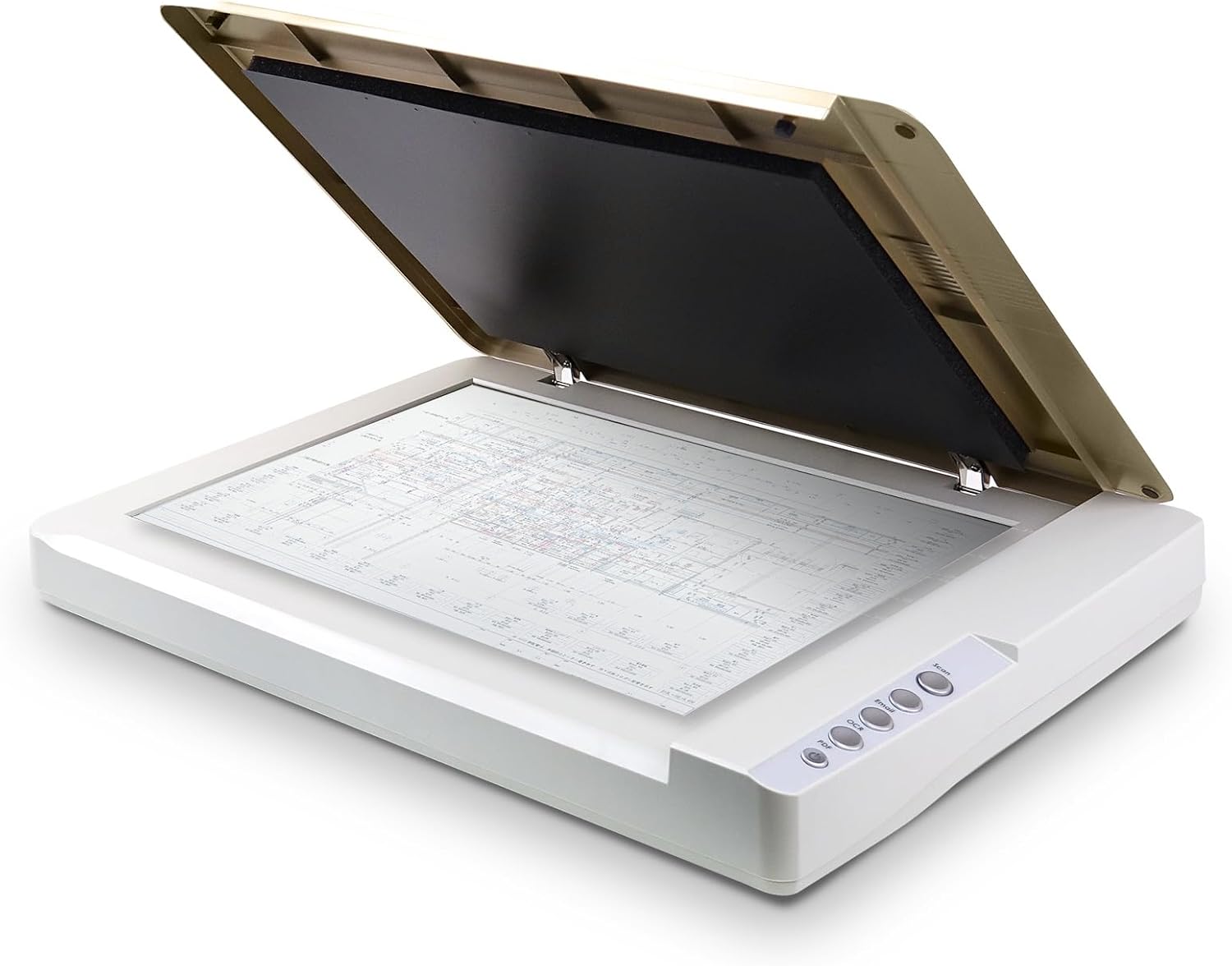
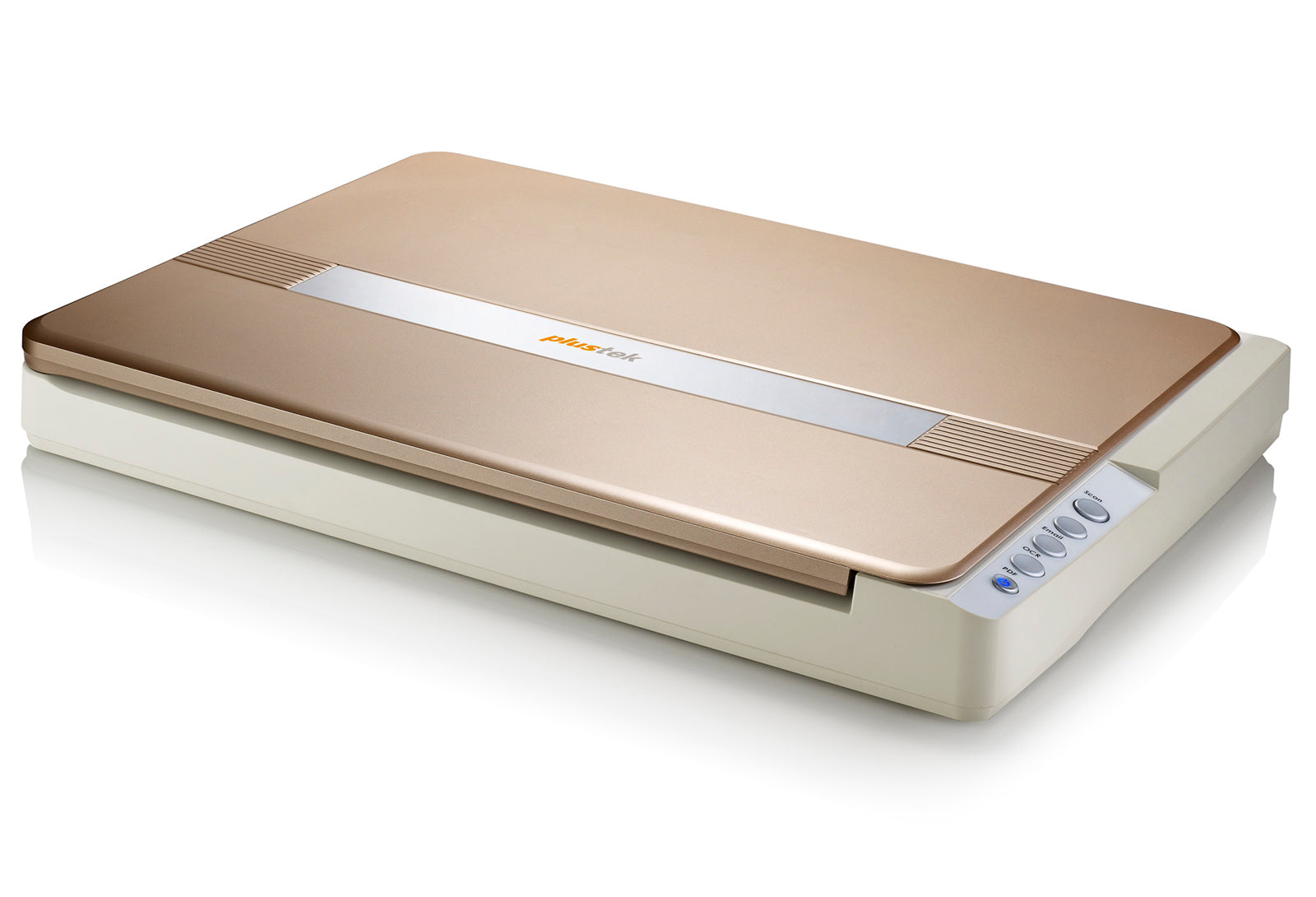
The Plustek OpticSlim 1680 A3 Colour Flatbed Scanner is a high-speed, large-format scanning solution designed for offices, architectural firms, schools, libraries and document archiving. Featuring 1200 DPI optical resolution, fast A3 scanning, TWAIN support for Windows and ICA support for Mac, it makes digitising large documents, drawings, magazines and books simple and efficient.
With a slim desktop design, LED light source and convenient one-touch scanning controls, the OpticSlim 1680 combines practical performance with professional document scanning capabilities.

- Large-format A3 / 11.69" × 17" flatbed scanner
- 1200 DPI optical resolution for detailed document scanning
- Fast A3 scanning: approximately 5 seconds colour or 3 seconds grayscale at 300 DPI
- CIS image sensor with energy-efficient LED illumination
- TWAIN driver for Windows and ICA support for macOS
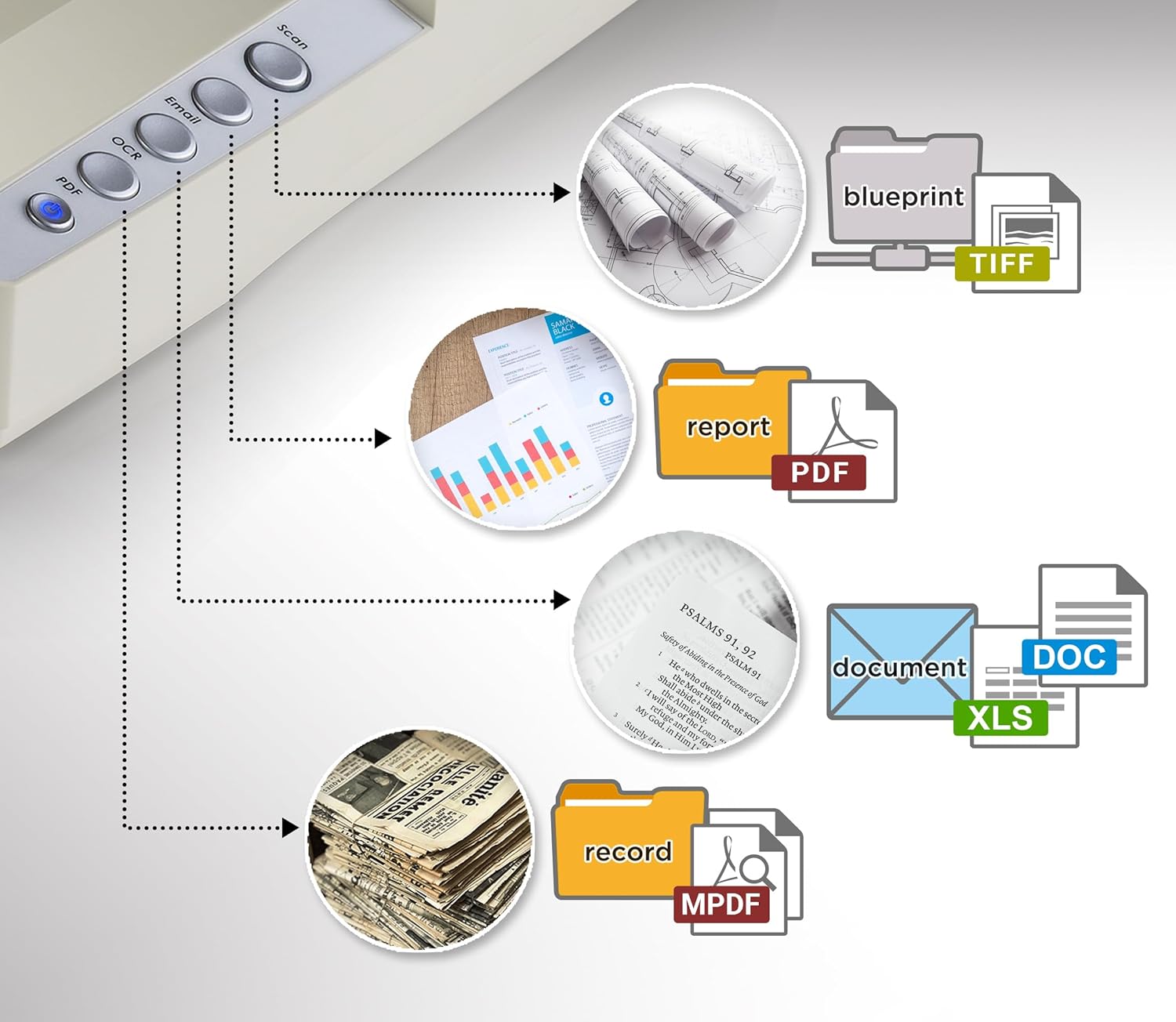
- Four convenient one-touch scanning buttons
- OCR software for searchable PDF and editable document workflows
- 48-bit colour input and 24-bit colour output
- USB 2.0 Type-B connectivity
- Recommended daily scanning volume of up to 2,500 sheets
- Suitable for architectural drawings, books, certificates and large documents
Key Specifications
| Brand | Plustek |
| Model | OpticSlim 1680 |
| Scanner Type | A3 Colour Flatbed Scanner |
| Image Sensor | CIS (Contact Image Sensor) |
| Light Source | LED |
| Optical Resolution | 1200 DPI |
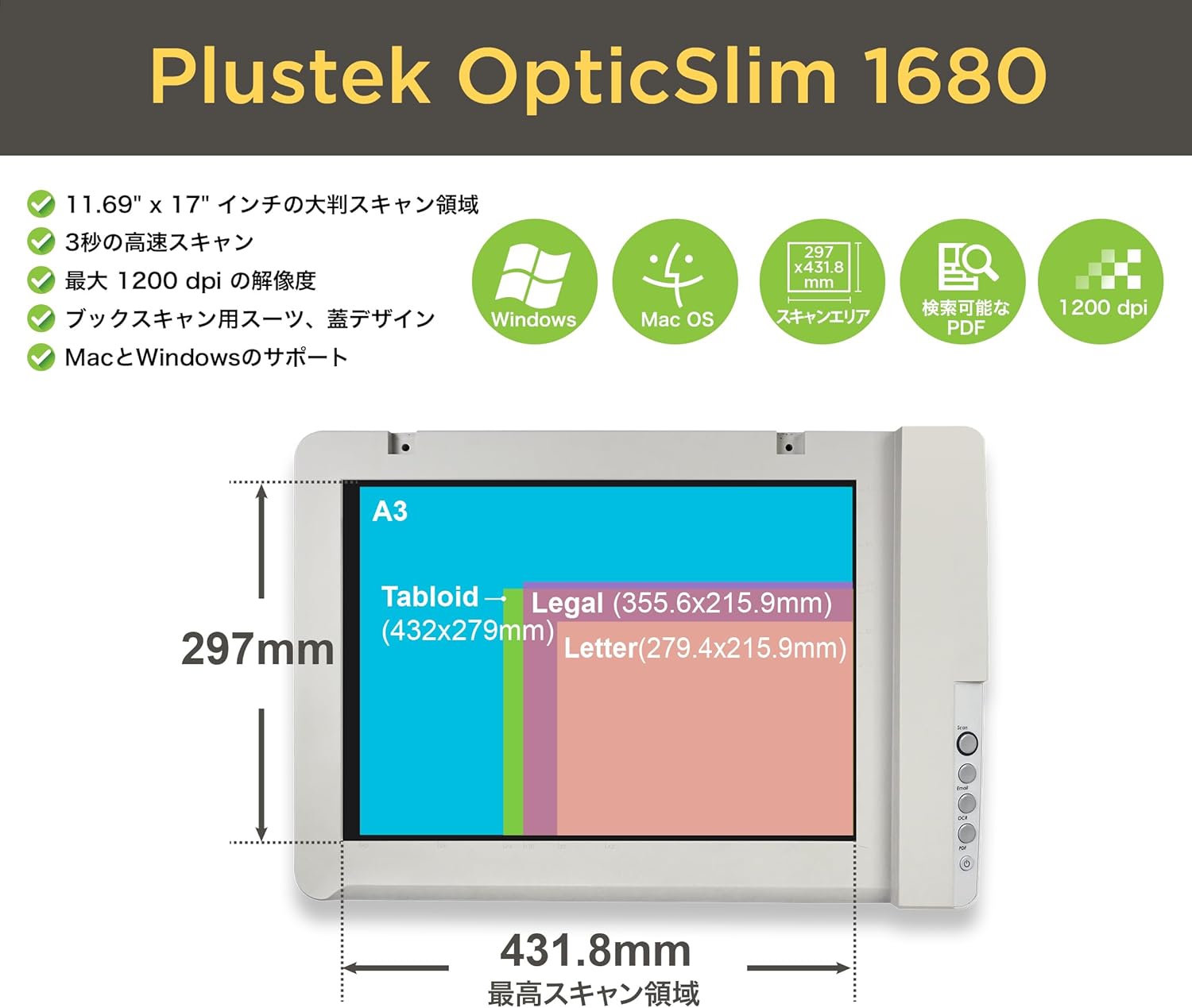
| Maximum Scan Area | 297 × 431.8 mm (11.69" × 17") |
| Colour Depth | 48-bit Input / 24-bit Output |
| Grayscale | 16-bit Input / 8-bit Output |
| A3 Colour Scan Speed | Approx. 5 Seconds (300 DPI) |
| A3 Grayscale / B&W Speed | Approx. 3 Seconds (300 DPI) |
| Daily Duty Scan | Up to 2,500 Sheets |
| Connectivity | USB 2.0 Type-B |
| Driver Support | TWAIN (Windows) / ICA (macOS) |
| Operating Systems | Windows 8 / 10 / 11; supported macOS versions (check current drivers) |
| Dimensions | 589 × 407 × 68 mm |
| Net Weight | Approx. 4.32 kg |
| Power Supply | 24V / 0.75A |
Fast A3 Scanning for Large Documents
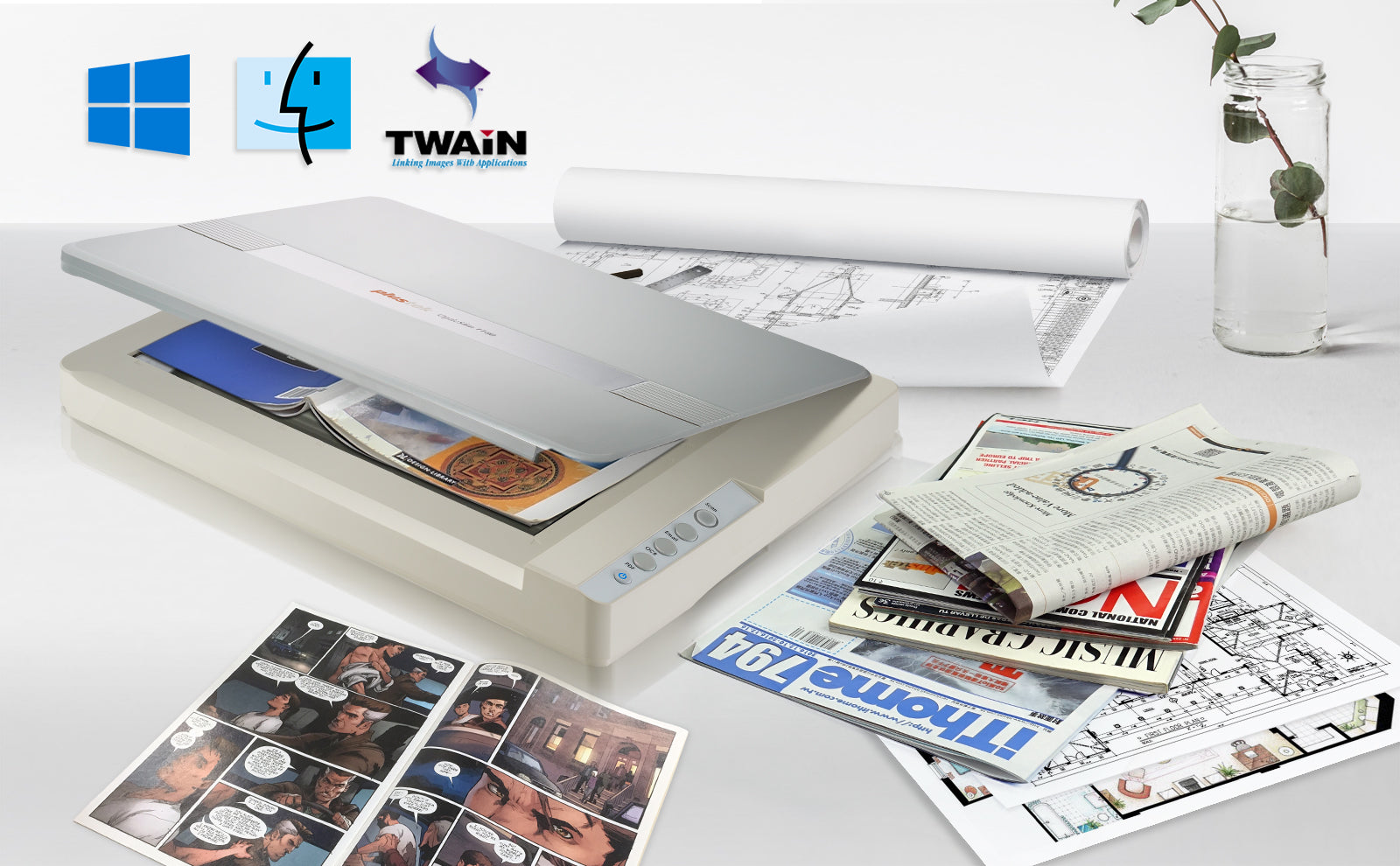
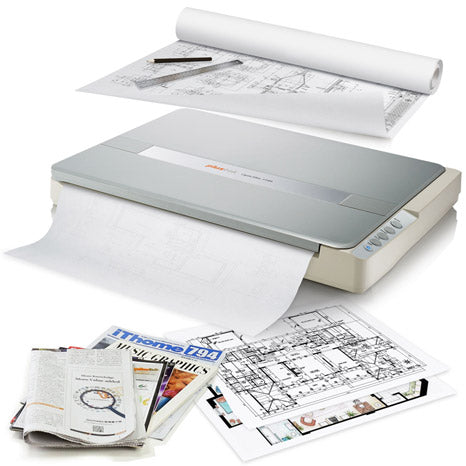
The OpticSlim 1680 accommodates documents up to 297 × 431.8 mm, making it ideal for scanning large drawings, certificates, newspapers, magazines, scrapbooks and open-book spreads.
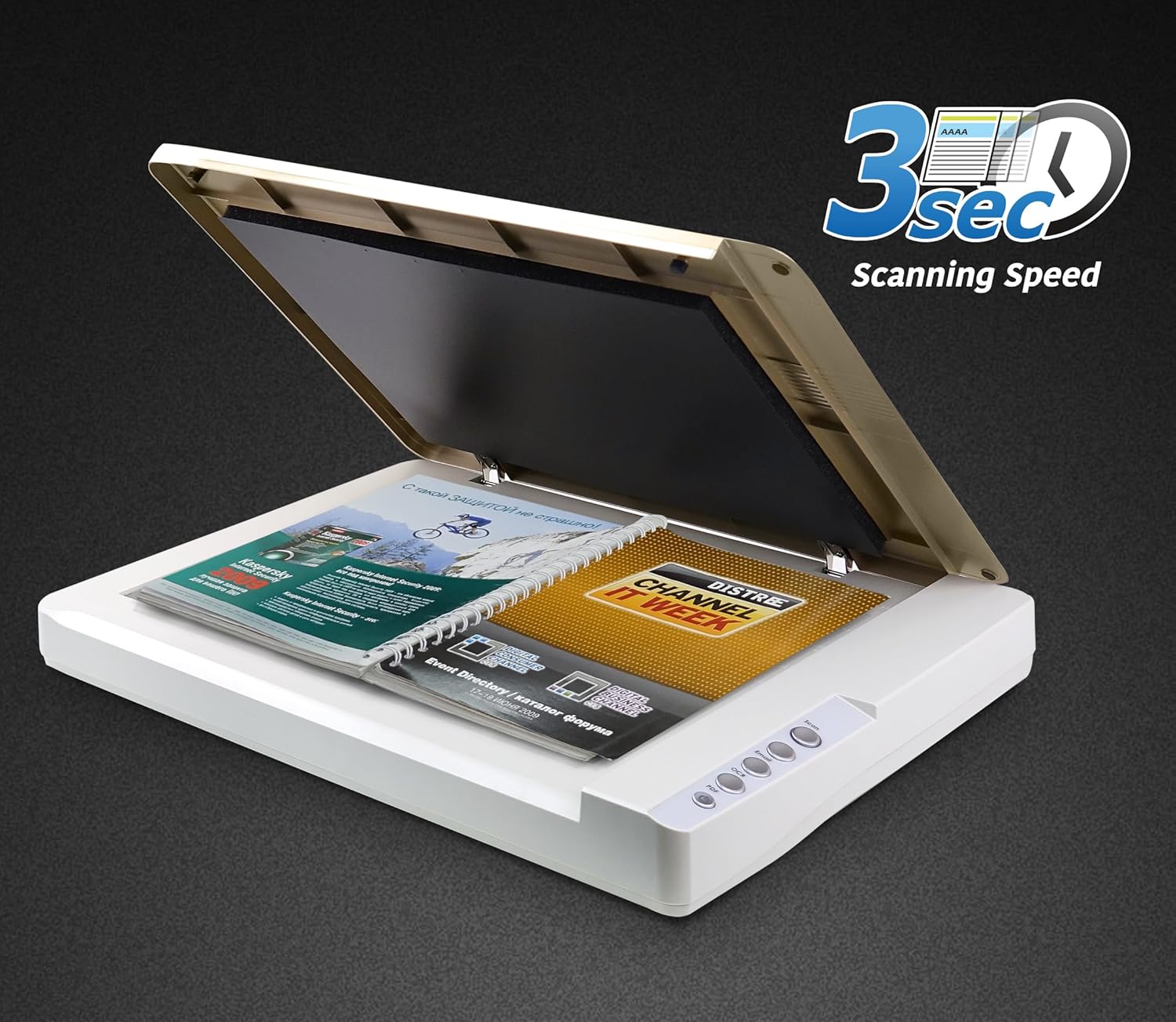
At 300 DPI, an A3 document can be scanned in approximately 5 seconds in colour or 3 seconds in grayscale or black and white. Actual total processing time depends on the computer, scanning software and selected settings.
1200 DPI Optical Resolution
With 1200 DPI optical resolution and 48-bit colour input, this scanner captures fine lines, small text and detailed document images for digital archiving and everyday professional use.
The CIS imaging system is especially suitable for flat documents. For thick artwork, textured originals or photographs requiring greater depth of field, a specialist CCD-based graphics scanner may be preferable.
TWAIN for Windows & ICA for Mac
The Plustek OpticSlim 1680 offers TWAIN-compliant scanning on Windows and ICA driver support on macOS, allowing integration with supported scanning and image-management applications.
- Windows scanning with Plustek DocTWAIN
- Mac scanning through Plustek ICA and compatible applications
- Suitable for document management and image editing workflows
- USB connection for direct desktop operation
Important: Please check the latest Plustek driver compatibility before purchasing, especially for newly released macOS or Windows versions.
OCR and Searchable PDF Scanning
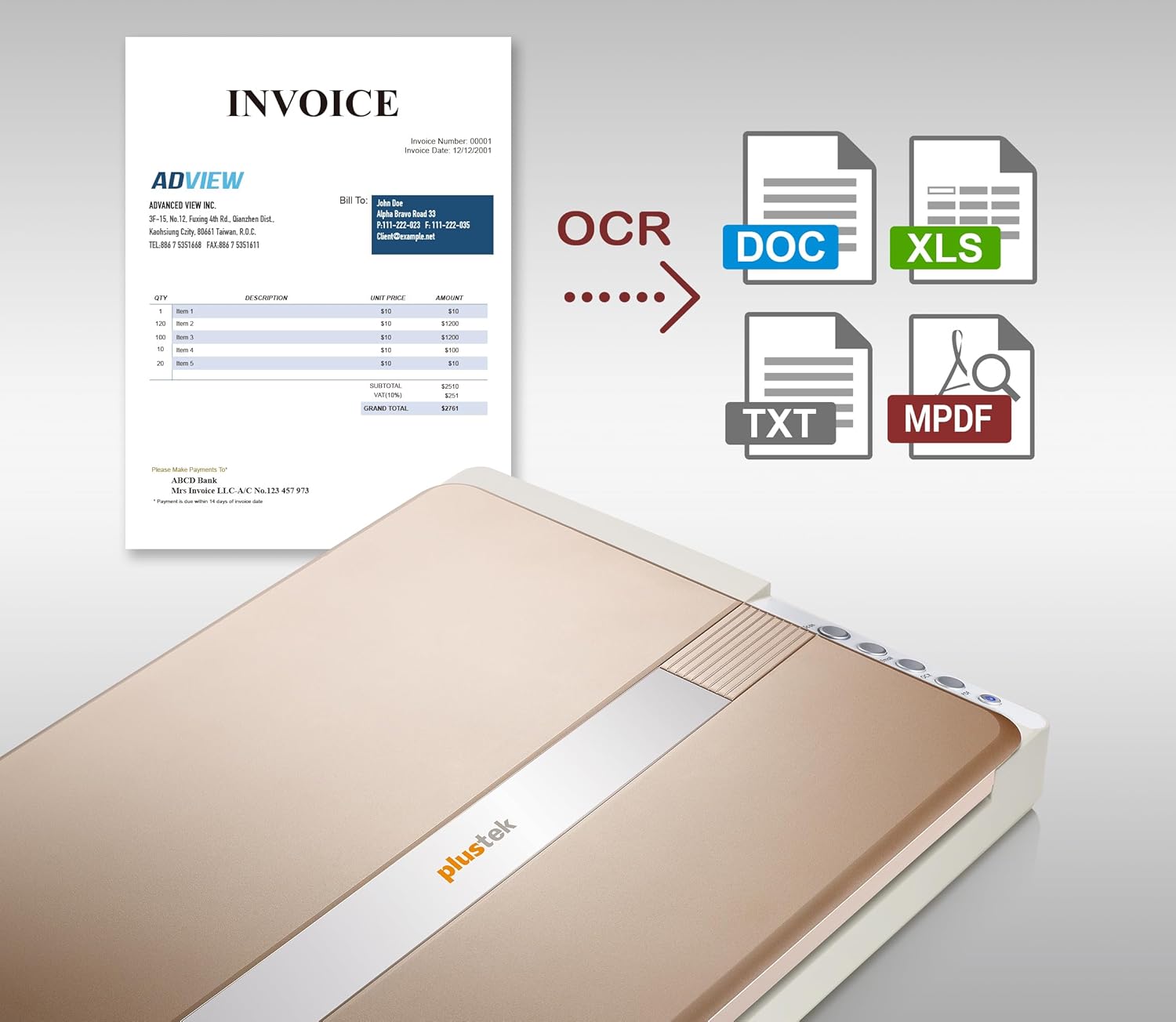
With Plustek's OCR software, scanned documents can be converted into searchable PDFs or used in editable document workflows. This is useful for digitising business records, historical documents, educational material and printed reports.
OCR accuracy depends on the condition, language, layout and clarity of the original document.
One-Touch Scanning Convenience
Four convenient preset scanning buttons help streamline frequently used tasks such as document scanning, OCR and PDF creation. The LED light source requires no lengthy warm-up period, allowing users to begin scanning quickly.
Ideal Applications
- Architecture & Engineering: Digitise A3 drawings, plans, sketches and technical documents.
- Schools & Universities: Scan worksheets, examination papers, books and educational resources.
- Libraries & Archives: Preserve newspapers, magazines and historical documents.
- Artists & Designers: Capture flat sketches, illustrations and design layouts.
- Business Offices: Create digital records of contracts, certificates and large-format documents.
Plustek OpticSlim 1180 vs OpticSlim 1680
| Feature | OpticSlim 1180 | OpticSlim 1680 |
|---|---|---|
| Maximum Scan Size | A3 | A3 |
| Optical Resolution | 1200 DPI | 1200 DPI |
| Image Sensor | CIS | CIS |
| A3 Colour Scan (300 DPI) | Approx. 9 Seconds | Approx. 5 Seconds |
| Connection | USB | USB 2.0 Type-B |
| Recommended For | General A3 Scanning | Faster A3 Document Scanning |
The OpticSlim 1680 is a suitable choice when faster A3 scanning is important. For occasional A3 scanning, the Plustek OpticSlim 1180 may offer a more economical alternative.
Explore Related A3 & Flatbed Scanners
- Plustek OpticSlim 1180 A3 Flatbed Scanner
- Plustek OpticPro A320 Series A3 Graphics Scanners
- Avision FB5100 A3 Flatbed Scanner
- Browse A3 Document Scanners
- Browse Flatbed Scanners
- Browse Plustek Scanners
What's Included?
- 1 × Plustek OpticSlim 1680 A3 Flatbed Scanner
- USB Cable
- Power Adapter
- Driver / Scanning Software Access
- Documentation
Package contents and software delivery methods may vary by distributor or production batch.
Frequently Asked Questions (FAQ)
Can the Plustek OpticSlim 1680 scan A3 documents?
Yes. It supports a maximum scanning area of 297 × 431.8 mm, suitable for A3 and tabloid-sized documents.
Does the OpticSlim 1680 support Windows 11?
Yes. Plustek lists Windows 11 support. Download the latest compatible drivers from Plustek.
Does it work with Mac computers?
Yes. The scanner supports compatible macOS systems using Plustek ICA software. Confirm compatibility with your specific macOS version.
Does it support TWAIN?
Yes. TWAIN support is available for Windows applications. Mac users can use the supported ICA driver.
How fast does it scan A3 documents?
Approximately 5 seconds in colour or 3 seconds in grayscale / black and white at 300 DPI.
Can it scan books and magazines?
Yes. The A3 flatbed is suitable for scanning open books, magazines and large documents that fit within the scan area.
Does it include an automatic document feeder?
No. The OpticSlim 1680 is a flatbed scanner. Originals are placed manually on the scanning glass.
Is it suitable for scanning photographic negatives?
No. This model is designed primarily for reflective documents and images. For film negatives and slides, consider a dedicated Plustek OpticFilm scanner.
| Image Sensor | CIS |
|---|---|
| Light Source | LED |
| Optical Resolution | 1200 dpi |
| Scan Modes | Color: 48-bit input, 24-bit output Grayscale: 16-bit input, 8-bit output B/W: 1-bit output |
| Scanning Speed | 5 sec (Color Mode, 300dpi, A3) 3 sec (Grayscale / B&W Mode, 300dpi, A3) |
| Scanning Area (W x L) | Max. 297 x 431.8 mm (11.69" x 17") |
| Daily Duty Scan ( Sheets ) | 2,500 |
| Power Supply | AC Power: 24 V / 0.75 A |
| Interface | USB 2.0 |
| Net Weight | 4.32 Kgs (9.52 Lbs) |
| Dimensions (W x D x H) | 589 x 407 x 68 mm (23.18” x 16.02” x 2.67”) |
| Protocol | TWAIN Compliant |
| Operating System | Windows 7 / 8 / 10 / 11 macOS 10.10 / 10.11 / 10.12 / 10.13 / 10.14 / 10.15 / 11.x / 12.x / 13.x / 14.x / 15.x Linux compatibility is only available for system integrators. Please contact sales@plustek.com for more info. |
| Hardware Requirements | Windows and Mac 2.4 GHz CPU processor or higher[1][2][3] [1]Windows Recommended: 2.8 GHz Intel® Core™ i5 Processor with 4 CPU Cores or higher [2]Support Mac INTEL and M1 based processor [3]Compatibility is not available with PowerPC 4 GB RAM minimum (Recommended: 8 GB or more, A3 size@1200 dpi scanning, allocated 20 GB Virtual Memory at minimum) 6 GB of hard-disk space for program installation Display dimensions of 1024x768 or greater |
| Bundled Software | Plustek DocAction Plustek DocTWAIN Plustek MacAction Plustek ICA |
| Built-in OCR | Plustek DocOCR (For Mac) Plustek OCR (For Windows) (Powered by ABBYY® FineReader®) |

Product Comparison between OS1180 and OS1680
✅ Plustek OpticSlim 1180
-
Ideal for scanning large-format documents, artwork, and books.
-
Basic but effective features for document scanning.
-
Slim design, making it easy to fit in a small workspace.
✅ Plustek OpticSlim 1680
-
Designed for high-speed scanning of A3-size documents.
-
Suitable for digitizing books, magazines, and fragile documents.
-
Comes with advanced image enhancement features for higher-quality scans.
Key Features Comparison
| Feature | Plustek OpticSlim 1180 | Plustek OpticSlim 1680 |
|---|---|---|
| Scanning Technology | CIS (Contact Image Sensor) | CIS (Contact Image Sensor) |
| Scan Size | Up to A3 (297 x 431.8 mm) | Up to A3 (297 x 431.8 mm) |
| Optical Resolution | 1200 dpi | 1200 dpi |
| Scan Speed | 9 seconds (Color @ 300 dpi) | 5 seconds (Color @ 300 dpi) |
| Color Depth | 48-bit input, 24-bit output | 48-bit input, 24-bit output |
| Gray Scale Depth | 16-bit input, 8-bit output | 16-bit input, 8-bit output |
| Daily Duty Cycle | 2,500 pages | 3,000 pages |
| Connectivity | USB 2.0 | USB 3.0 (backward compatible) |
| Software Included | ABBYY FineReader Sprint, Plustek DocAction | ABBYY FineReader Sprint, Plustek DocAction |
| Auto Scan Mode | No | Yes |
| Multi-Image Output | No | Yes |
| Compatible OS | Windows and Mac | Windows and Mac |
| Power Consumption | 18W | 24W |
| Dimensions | 589 x 407 x 67 mm | 623 x 378 x 88 mm |
| Weight | 4.5 kg | 4.3 kg |
Applications
Plustek OpticSlim 1180 Best For:
-
Digitizing artwork, blueprints, and newspapers.
-
Basic document archiving in offices and schools.
-
Occasional A3-size document scanning.
Plustek OpticSlim 1680 Best For:
-
High-volume document scanning and archiving.
-
Libraries, educational institutions, and law offices.
-
Scan-intensive environments requiring fast A3 scans.
Why Choose Each Model?
Why Choose the Plustek OpticSlim 1180?
-
Budget-friendly for basic A3 scanning.
-
Ideal for occasional use where high speed is not a priority.
-
Compact design, easy to store and handle.
Why Choose the Plustek OpticSlim 1680?
-
Faster scanning speed for higher efficiency.
-
USB 3.0 connectivity ensures faster data transfer.
-
Additional features such as Auto Scan Mode and Multi-Image Output.
Summary:
-
OpticSlim 1180 is more suitable for casual or small-office use where speed is not the highest priority.
-
OpticSlim 1680 is ideal for professional environments where speed, higher duty cycles, and advanced scanning options are required.
If you’re looking for higher performance and faster scan speeds, the OpticSlim 1680 is the better option. However, if cost and basic A3 scanning are your main concerns, the OpticSlim 1180 offers good value.
Last Updated: 8 October 2026

Estimate shipping