


Description

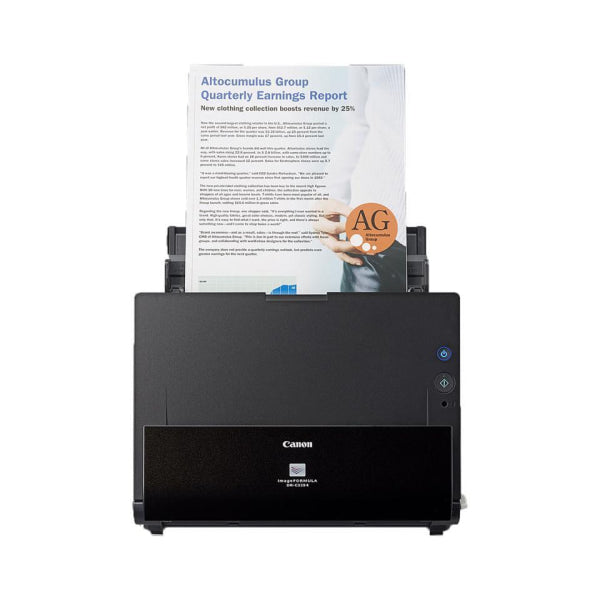
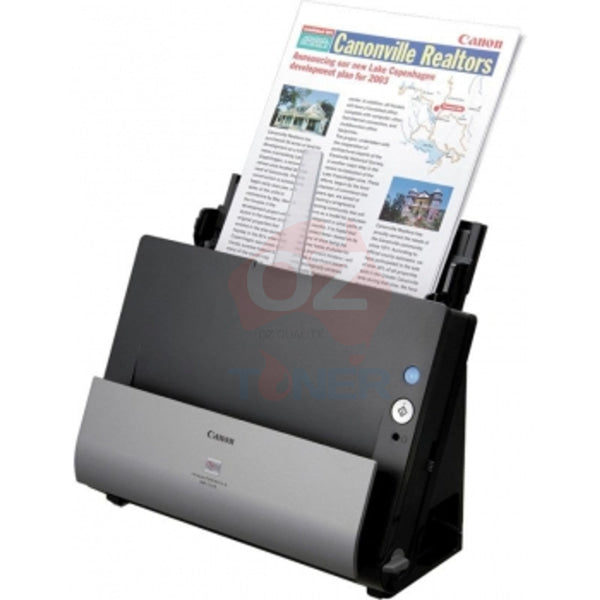
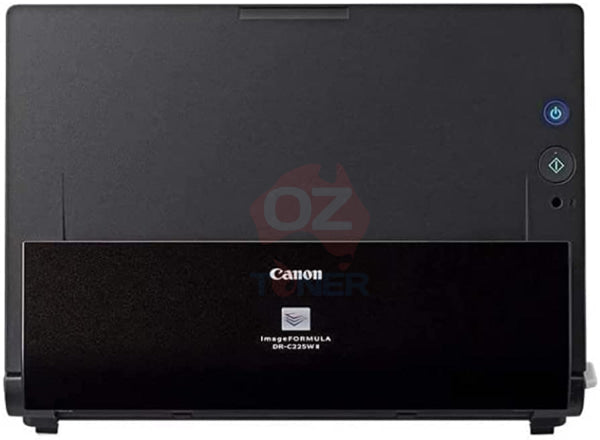
The Canon imageFORMULA DR-C225W II Wireless Desktop Document Scanner is a compact, professional A4 sheet-fed scanner designed for small offices, reception desks, home offices and workgroups that need fast document digitisation without sacrificing valuable desk space.
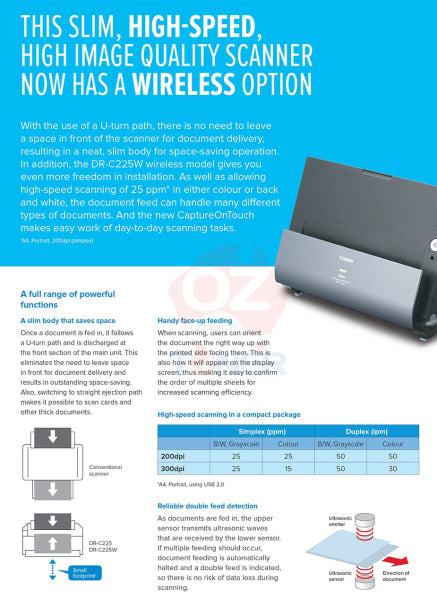
With built-in Wi-Fi and USB connectivity, fast scanning at up to 25 pages per minute / 50 images per minute in duplex, a 30-sheet automatic document feeder and up to 600 dpi optical resolution, the DR-C225W II combines flexible wireless operation with Canon's ultra-compact vertical U-turn paper path.
✓ Built-in Wi-Fi for flexible wireless scanning
✓ USB 2.0 connection also included
✓ Fast 25ppm simplex / 50ipm duplex scanning
✓ Scan both sides of a document in a single pass
✓ 30-sheet Automatic Document Feeder
✓ Up to 600 dpi optical resolution
✓ Compact vertical U-turn paper path saves desk space
✓ Approx. 1,500 scans/day recommended daily volume
✓ Ultrasonic double-feed detection
✓ Automatic colour and page-size detection
✓ Windows & macOS support
✓ Canon CaptureOnTouch scanning software
Wireless Scanning for a More Flexible Office
The key advantage of the DR-C225W II over the standard DR-C225 II is its built-in Wi-Fi capability.
The scanner supports IEEE 802.11b/g/n wireless networking, allowing compatible computers and mobile devices to access the scanner without requiring a permanent USB connection.
This makes the DR-C225W II particularly useful in small offices, reception areas and shared workspaces where multiple users may need access to the same document scanner.
For users who prefer a traditional direct connection, Hi-Speed USB 2.0 is also available.
Fast 25ppm / 50ipm Duplex Scanning
The Canon imageFORMULA DR-C225W II scans A4 documents at up to 25 pages per minute in simplex mode and up to 50 images per minute in duplex mode at typical 200 dpi settings.
Both sides of a double-sided document are captured during a single pass, helping reduce the time required to digitise invoices, contracts, forms, correspondence and other business records.
Ultra-Compact Vertical Design
One of the most distinctive features of the DR-C225W II is Canon's space-saving vertical U-turn paper path.
Documents are fed from the top and returned vertically at the front of the scanner rather than requiring a large output tray extending across the desk.
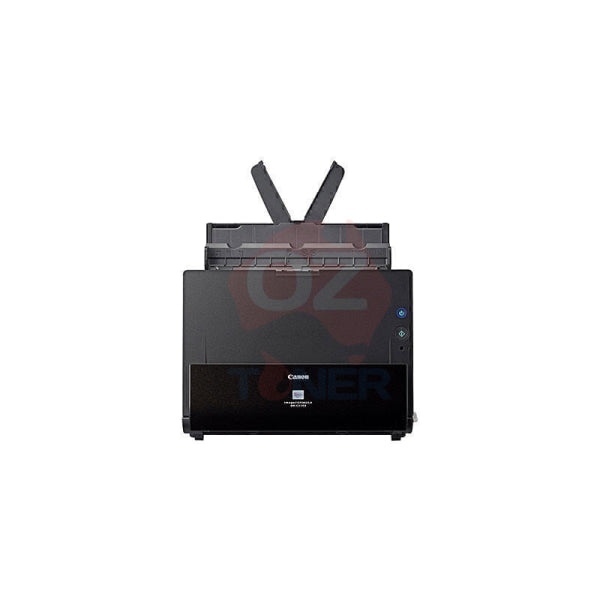
With the trays closed, the scanner measures approximately 300mm wide × 156mm deep × 220mm high, making it particularly suitable for counters and desks where space is limited.
30-Sheet Automatic Document Feeder
The built-in 30-sheet Automatic Document Feeder allows multi-page documents to be scanned as a batch rather than manually feeding individual pages.
Combined with automatic duplex scanning, this makes the DR-C225W II a practical solution for everyday office document capture.
Up to 600 dpi Optical Resolution
The DR-C225W II uses a CMOS CIS image sensor with RGB LED illumination and provides an optical scanning resolution of up to 600 dpi.
Selectable output resolutions allow users to balance image quality and file size depending on the application.
Intelligent Image Processing
The DR-C225W II includes a range of automatic image-processing functions designed to reduce manual adjustment and improve scanned documents.
- Automatic Colour Detection
- Automatic Page Size Detection
- Automatic Resolution Setting
- Deskew
- Background Smoothing
- Character Emphasis
- Colour Dropout
- Prevent Bleed-Through / Remove Background
- Skip Blank Page
- Text Enhancement
- Text Orientation Recognition
- Image Rotation
- Three-Dimensional Colour Correction
Ultrasonic Double-Feed Detection
Built-in ultrasonic double-feed detection monitors documents as they pass through the scanner.
If overlapping sheets are detected, scanning can be stopped to help prevent pages from being accidentally skipped during larger scanning jobs.
This is particularly useful when digitising important invoices, contracts, customer files and other multi-page business records.
Flexible Document Handling
Although compact, the DR-C225W II is designed to handle more than standard office paper.
The scanner supports a variety of document sizes and media, while its straight paper path can be used for thicker or more difficult originals. It can also scan plastic and embossed cards using the appropriate feed path.
Long Document Mode provides support for documents significantly longer than standard A4 sheets, while Folio Mode can be used for folded larger documents.
Canon CaptureOnTouch Software
Canon's CaptureOnTouch software is designed to simplify routine scanning workflows.
Frequently used scan settings can be configured in advance, allowing common tasks to be launched quickly without repeatedly selecting resolution, colour mode, destination and other settings.
Depending on the installed software and configuration, scanned documents can be directed to common destinations including local folders, email and supported document or cloud workflows.
Windows & macOS Support
The DR-C225W II supports both Windows and macOS environments. Canon continues to provide drivers and support downloads for current operating systems, including Windows 11 and recent macOS versions.
Driver and software availability can vary according to operating system version, so customers using newer or specialised operating environments should check current Canon support information before installation.
Product Specifications
| Brand | Canon |
| Series | imageFORMULA |
| Model | DR-C225W II |
| Scanner Type | Desktop Sheet-Fed Document Scanner |
| Scanning Sensor | CMOS CIS |
| Light Source | RGB LED |
| Reading Side | Front / Back / Duplex |
| Simplex Scan Speed | Up to 25ppm |
| Duplex Scan Speed | Up to 50ipm |
| Optical Resolution | Up to 600 dpi |
| Output Resolution | 150 / 200 / 300 / 400 / 600 dpi |
| Colour Depth | 24-bit Colour |
| Greyscale | 8-bit / 256 levels |
| ADF Capacity | 30 sheets |
| Daily Duty Volume | Approx. 1,500 scans/day |
| Connectivity | Hi-Speed USB 2.0 + Wi-Fi |
| Wireless Standard | IEEE 802.11b/g/n |
| Wi-Fi Security | WEP / WPA / WPA2 |
| Double-Feed Detection | Ultrasonic |
| Dimensions – Trays Closed | Approx. 300 × 156 × 220mm (W × D × H) |
| Dimensions – Trays Open | Approx. 300 × 235 × 339mm (W × D × H) |
| Weight | Approx. 2.8kg |
| Software | Canon CaptureOnTouch and compatible Canon drivers/software |
| Operating Systems | Windows & macOS – subject to current Canon driver availability |
DR-C225W II vs DR-C225 II
| Feature | DR-C225 II | DR-C225W II |
| Scan Speed | 25ppm / 50ipm | 25ppm / 50ipm |
| Duplex | Yes | Yes |
| USB | Yes | Yes |
| Wi-Fi | No | Yes – Built-in |
| Best For | Single-user USB desktop scanning | Wireless / shared office scanning |
If wireless connectivity is important, the DR-C225W II is the model to choose. The standard DR-C225 II provides similar core scanning performance but is limited to USB connectivity.
Ideal For
- Small and medium businesses
- Home offices
- Reception desks
- Accounting and bookkeeping offices
- Medical and professional practices
- Legal offices
- Schools and administration departments
- Businesses digitising invoices and receipts
- Shared workgroups requiring Wi-Fi scanning
- Offices with limited desk space
Why Choose the Canon DR-C225W II?
The DR-C225W II combines three particularly useful features in one compact desktop scanner: Wi-Fi connectivity, fast single-pass duplex scanning and Canon's ultra-compact vertical document path.
For an office that does not need the speed or capacity of a large departmental scanner, the DR-C225W II provides a practical balance of performance, intelligent document processing and minimal desk-space requirements.
Frequently Asked Questions (FAQ)
Does the Canon DR-C225W II have Wi-Fi?
Yes. The DR-C225W II includes built-in IEEE 802.11b/g/n Wi-Fi as well as USB 2.0 connectivity.
What is the difference between DR-C225 II and DR-C225W II?
The major difference is connectivity. Both provide similar core scanning performance, including up to 25ppm simplex and 50ipm duplex scanning, but the DR-C225W II adds built-in Wi-Fi while the DR-C225 II is USB-only.
Can the DR-C225W II scan both sides automatically?
Yes. It supports single-pass duplex scanning and can capture both sides of a document at up to approximately 50 images per minute.
How fast is the DR-C225W II?
Canon rates the scanner at up to approximately 25 pages per minute simplex and 50 images per minute duplex at typical 200 dpi settings.
How many sheets does the document feeder hold?
The Canon specification for this model lists an automatic document feeder capacity of approximately 30 sheets.
What is the maximum scan resolution?
The DR-C225W II provides an optical resolution of up to 600 dpi.
Can it detect double feeds?
Yes. Ultrasonic double-feed detection helps identify overlapping sheets and reduces the risk of missing pages during batch scanning.
Can it scan plastic cards?
Yes. The scanner can handle compatible plastic and embossed cards using the appropriate straight-through document path.
Does it work with Windows 11?
Yes. Canon Australia currently provides Windows 11 drivers for the DR-C225W II.
Does Canon still provide macOS drivers?
Yes. Canon Australia continues to provide macOS TWAIN drivers for the DR-C225W II, including recent macOS releases. Customers should confirm driver availability for their specific operating-system version before installation.
Is the DR-C225W II suitable for high-volume scanning?
Canon specifies a suggested daily volume of approximately 1,500 scans per day. It is therefore best suited to personal, small-office and moderate business scanning rather than very high-volume production scanning.
Last Updated Date: 18 September 2026

Estimate shipping