
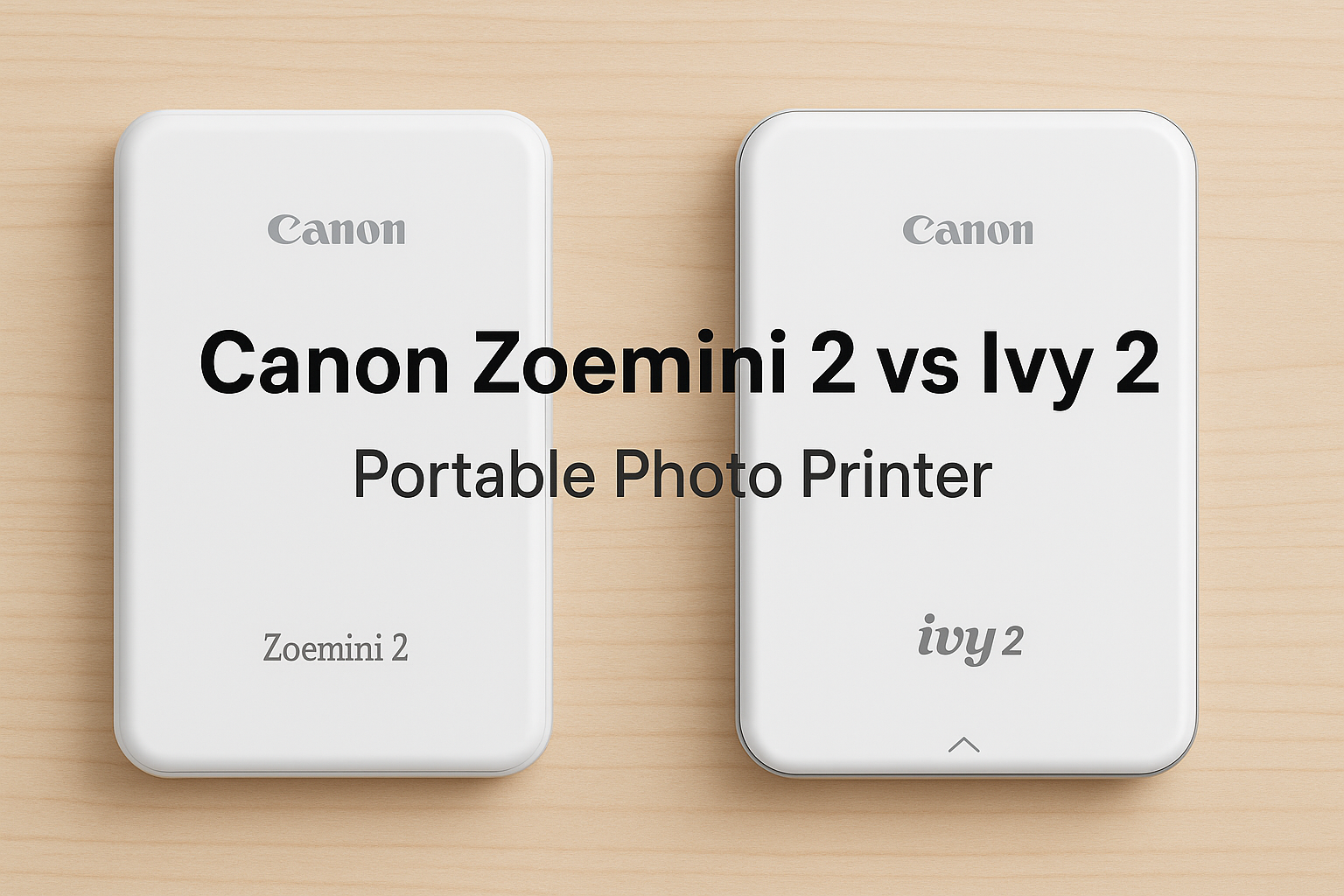

Canon Zoemini 2 vs Ivy 2: The Ultimate Pocket Photo Printer Comparison
In the world of portable photo printing, Canon has made a stylish and functional mark with two nearly identical mini printers: the Canon Zoemini 2 and the Canon Ivy 2. While their names may vary across regions, their core performance and features remain the same. If you love snapping memories and printing them instantly to share or decorate your space, read on to see what these pocket printers can do.
Overview: What Are They?
The Canon Zoemini 2 and Canon Ivy 2 are compact, lightweight photo printers designed to print 2x3 inch borderless photos using ZINK (Zero Ink) technology. That means no messy ink cartridges; just pop in the special photo paper and start printing.
- Canon Zoemini 2 is primarily sold in Europe and Australia.
- Canon Ivy 2 is the North American market equivalent.
Both connect wirelessly to your smartphone via Bluetooth 5.0 and work seamlessly with the Canon Mini Print app for quick editing, stickers, filters, and fun creative layouts.
Shared Features
- Print technology: ZINK (Zero Ink)
- Photo size: 2 x 3 inches (sticky backed paper)
- Resolution: 313 x 500 dpi
- Battery life: up to 20 prints per charge
- Charging: USB-C, 45 minute charge time
- Weight: approx. 177g
- Compatibility: iOS 12.0+ / Android 6.0+
- Paper compatibility: Canon ZINK photo paper and pre-cut sticker paper
Zoemini 2 vs Ivy 2: Is There Any Real Difference?
Functionally, no difference. These two printers are the same under the hood. Here are the only distinctions:
| Feature | Canon Zoemini 2 | Canon Ivy 2 |
|---|---|---|
| Region | Europe, Australia | North America |
| Warranty | Often 2 years in EU and AU | Typically 1 year in the US |
| Colour options | Region specific options | Slightly different shades |
So which one should you buy? It depends on your region and availability. In Australia, you will mostly find the Zoemini 2 through local retailers, whereas the Ivy 2 may need to be imported.
User Experience and Mini Review
Both models deliver solid print quality for ZINK based devices. While they will not replace professional photo labs, the print output is vibrant and smudge proof, great for travel journals, scrapbooking, fridge magnets, or gifting.
Pros
- Fun, compact, and easy to carry
- Prints with sticky backs
- Quick Bluetooth connectivity
- App is intuitive and full of creative features
Cons
- ZINK paper can be costly in bulk
- Print colours are less vibrant than inkjet photo prints
Final Verdict
If you are looking for a fun, on the go printer to bring your digital memories to life, either the Canon