
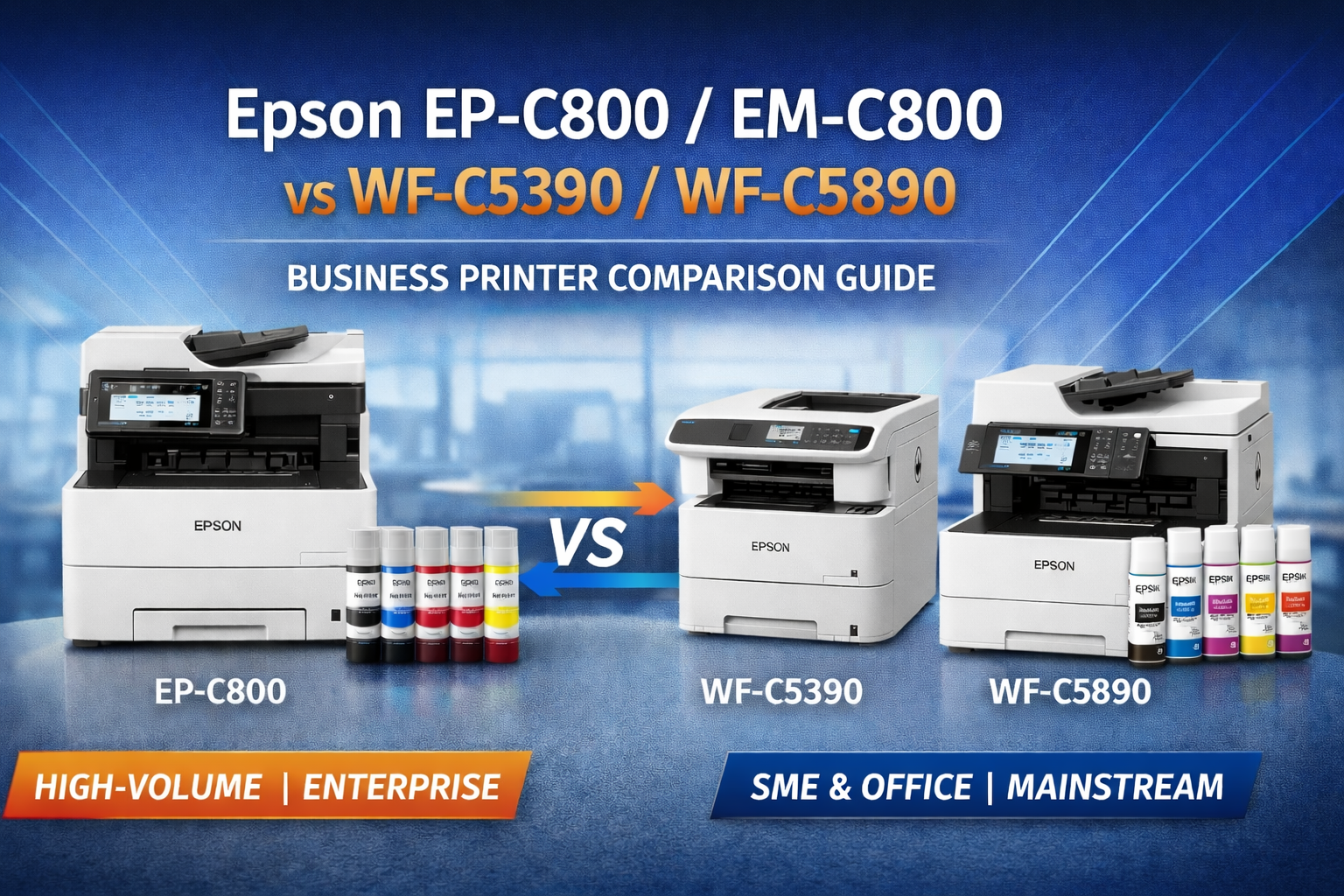
Epson EP-C800 / EM-C800 vs WF-C5390 / WF-C5890 – Which Business Printer Should You Buy?
Epson’s business inkjet printer range continues to expand, giving office buyers more choice than ever before. If your business is considering a new A4 colour office printer, two of the most important Epson series to compare today are the WF-C5390 / WF-C5890 range and the newer EP-C800 / EM-C800 range.
Both product families are designed for professional office use and both are based on Epson’s PrecisionCore Heat-Free technology, which offers lower energy consumption, less maintenance and professional-quality business printing compared with many traditional laser printers.
The question is: which series is right for your business?
In this guide, we compare these two Epson business printer families in detail, including printer features, running cost considerations, consumables, expected customer profile and upgrade recommendations.
Understanding Epson’s Business Printer Range
Epson’s current A4 business inkjet portfolio can broadly be divided into two levels:
- WF-C5390 / WF-C5890 – mainstream business models suitable for most small to medium office environments
- EP-C800 / EM-C800 – next-generation higher-capacity business models designed for heavier print demand and lower long-term running cost
For many businesses, the C5390 / C5890 series already provides excellent speed, low power usage and reliable business printing. However, the C800 series introduces a newer consumables platform and a stronger position for customers with higher print volume requirements.
Meet the Four Models
Epson WF-C5390 – Business Single Function Colour Printer

The Epson WF-C5390 is a single-function A4 business printer designed for customers who only need reliable print output without copying or scanning functions.
View Epson WF-C5390 A4 Single Function Printer
Epson WF-C5890 – Business Multifunction Printer

The Epson WF-C5890 adds scan and copy functionality, making it a practical all-in-one office printer for workgroups that want a complete document workflow solution.
View Epson WF-C5890 A4 Multifunction Printer
Epson EP-C800 – Next-Generation Business Colour Printer

The Epson EP-C800 is the newer-generation single-function business printer designed for customers who want a more advanced office platform and access to high-capacity new-generation consumables.
View Epson EP-C800 A4 Business Printer
Epson EM-C800 – Next-Generation Business Multifunction Printer

The Epson EM-C800 is the multifunction version of the new C800 platform, combining print, scan and copy features with Epson’s latest business ink bottle system.
View Epson EM-C800 A4 Business Multifunction Printer
Comparison Chart – WF-C5390 / WF-C5890 vs EP-C800 / EM-C800
| Feature | WF-C5390 | WF-C5890 | EP-C800 | EM-C800 |
|---|---|---|---|---|
| Printer Type | Single Function | Multifunction | Single Function | Multifunction |
| Technology | PrecisionCore Heat-Free | PrecisionCore Heat-Free | Latest PrecisionCore Heat-Free | Latest PrecisionCore Heat-Free |
| Target Market | SME / office users | SME / office users | Higher-volume office users | Higher-volume office users |
| Consumables Platform | T11 / standard business ink system | T11 / standard business ink system | T12N / T12P ink bottle system | T12N / T12P ink bottle system |
| High Yield Black Capacity | Lower than C800 series | Lower than C800 series | Up to 20,000 pages | Up to 20,000 pages |
| High Yield Colour Capacity | Lower than C800 series | Lower than C800 series | Up to 20,000 pages | Up to 20,000 pages |
| Long-Term Running Cost Advantage | Good | Good | Better for heavier usage | Better for heavier usage |
What Has Improved in the New C800 Series?
The EP-C800 / EM-C800 series is not simply a cosmetic refresh. Epson has positioned these models as a more advanced business platform with stronger suitability for customers that print at higher monthly volumes.
Main improvements include:
- New-generation T12N / T12P ink bottle system
- Higher consumable capacities for heavy users
- Better long-term cost efficiency for high print volume environments
- More attractive option for larger businesses and higher-demand offices
For customers printing only moderate volumes, the difference may not justify the extra hardware cost. But for businesses printing a lot each month, the C800 series can make much more sense over time.
Price Positioning – Which Range Offers Better Value?
This is where buying strategy becomes important.
In general:
- WF-C5390 / WF-C5890 are better value for most small businesses and general office buyers
- EP-C800 / EM-C800 are better suited to customers who print more, want the latest generation model, or prefer higher-yield consumables
That means the C5390 / C5890 series is often the smarter buy for:
- small offices
- small business customers
- value-focused buyers
- customers with moderate monthly print volume
Meanwhile, the C800 series is more suitable for:
- larger offices
- higher monthly print volumes
- customers who want lower long-term consumables cost
- buyers who prefer the latest Epson business platform
- companies that are less price-sensitive and want a stronger long-term solution
Who Should Buy the WF-C5390 / WF-C5890?
For the majority of everyday office customers, the WF-C5390 / WF-C5890 range is probably the more sensible option.
These models are ideal for:
- small businesses
- accounting firms
- medical clinics
- schools
- professional offices
- customers wanting strong Epson business performance without stepping up to the higher-priced C800 tier
If you want a dependable business printer and do not expect very heavy print volume, these models should satisfy most needs very well.
Who Should Buy the EP-C800 / EM-C800?
The EP-C800 / EM-C800 range makes most sense for customers with heavier printing requirements or those who prefer to buy the newest model platform available.
These models are better suited for:
- larger companies
- higher-volume business users
- busy office workgroups
- customers wanting access to high-yield consumables
- buyers who want better long-term running cost for heavier usage
- customers who are not highly budget-sensitive on hardware purchase price
If your office prints a lot every month, the higher-capacity black and colour ink options in the C800 series are a major advantage.
Consumables for WF-C5390 / WF-C5890
The WF-C5390 / WF-C5890 series uses its own Epson consumables platform. If you are comparing total cost of ownership, consumables should always be part of the decision.
Suggested internal consumables links for C5390 / C5890:
Consumables for EP-C800 / EM-C800
The newer C800 series introduces the T12N standard-yield and T12P high-yield DURABrite ink bottle platform.
Standard Yield T12N Series
- T12N1 Black – up to 10,000 pages
- T12N2 Cyan – up to 5,000 pages
- T12N3 Magenta – up to 5,000 pages
- T12N4 Yellow – up to 5,000 pages
View Genuine Epson T12N CMYK Ink Set
High Yield T12P Series
- T12P1 Black – up to 20,000 pages
- T12P2 Cyan – up to 20,000 pages
- T12P3 Magenta – up to 20,000 pages
- T12P4 Yellow – up to 20,000 pages
This is one of the biggest reasons the C800 series becomes more attractive for high-volume customers.
How This Article Relates to Our First Epson C800 Upgrade Blog
If you are also researching the earlier Epson generation, you may find our first related article useful:
Epson EP-C800 & EM-C800 vs WF-C529R / WF-C579R – Business Printer Upgrade Guide
This first article explains how the new C800 series fits into Epson’s broader business printer upgrade path. Together, these two guides should help customers understand both:
- the old-to-new generation replacement story, and
- the practical buying decision between current Epson business printer tiers.
Watch Epson Business Inkjet Technology in Action
Frequently Asked Questions
What is the main difference between Epson WF-C5390 and EP-C800?
The WF-C5390 is positioned as a strong mainstream business printer for most office users, while the EP-C800 is a newer-generation model better suited to heavier print volumes and customers who want access to higher-capacity consumables.
What is the difference between Epson WF-C5890 and EM-C800?
Both are multifunction business printers, but the EM-C800 belongs to Epson’s newer C800 platform and is better suited to larger offices or customers with higher monthly print demand.
Which Epson printer is better for small businesses?
For most small businesses, the WF-C5390 or WF-C5890 is usually the better value choice because the specifications are already very strong and the upfront hardware cost is usually more approachable.
Which Epson printer is better for larger companies?
For larger companies or offices with higher print volumes, the EP-C800 or EM-C800 is usually the better choice because the higher-yield consumables can make long-term running costs more attractive.
Why would a customer choose the C800 series over the C5390 / C5890 series?
Customers may choose the C800 series if they want the latest Epson platform, higher-yield consumables, lower long-term cost for heavier printing, or a better fit for larger workgroups.
Does the EP-C800 / EM-C800 use different ink from the WF-C5390 / WF-C5890?
Yes. The C800 series uses Epson’s newer T12N and T12P ink bottle platform, while the C5390 / C5890 models use a different consumables platform.
Final Buying Recommendation
If you are a small business, general office customer, or value-focused buyer, the WF-C5390 / WF-C5890 series is likely the smarter and more practical choice.
If you are a larger company, high-volume office, or customer who wants the newest model with higher-capacity consumables, the EP-C800 / EM-C800 series is the better long-term option.
In other words:
- Most customers: choose C5390 / C5890
- Higher-volume / premium buyers: choose C800 / EM-C800
CTA – Explore Epson Business Printers at OzToner
Need help choosing the right Epson business printer for your office?
If you're new to the Epson C800 series, you may want to start with our introduction article: Epson EP-C800 & EM-C800 – Next Generation Business Printer.
At OzToner, we help Australian businesses choose the right printers, the right consumables and the right long-term printing strategy.